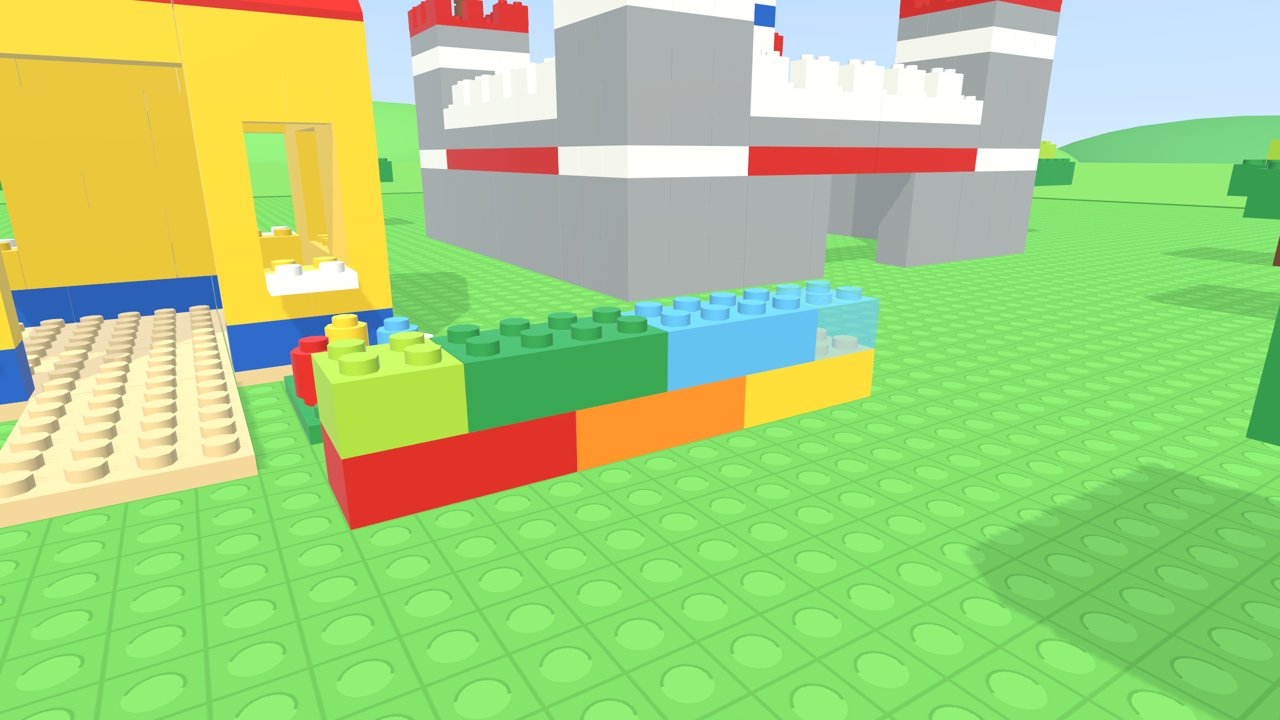
Every brick snaps
Point at the ground or any brick and a see-through ghost brick locks onto the studs: on top, beside it on the same row, or hanging underneath. Press A and it clicks into place. A steady aim keeps it exactly where you meant, even when your hand shakes.
A round menu of bricks
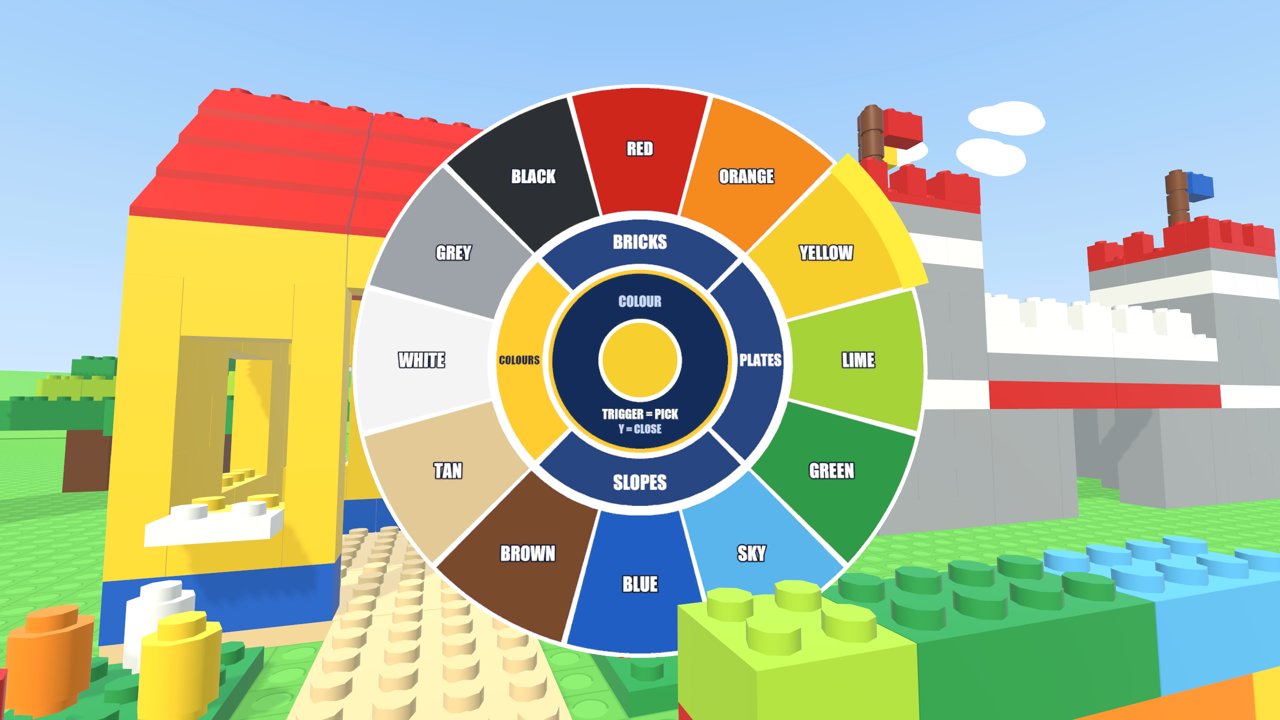
Press Y and the brick menu opens around you: 11 bricks, 12 plates, 12 slopes and 12 bright colours. The icons change to the colour you pick, so you always see what you are about to build.
Build as big as you like
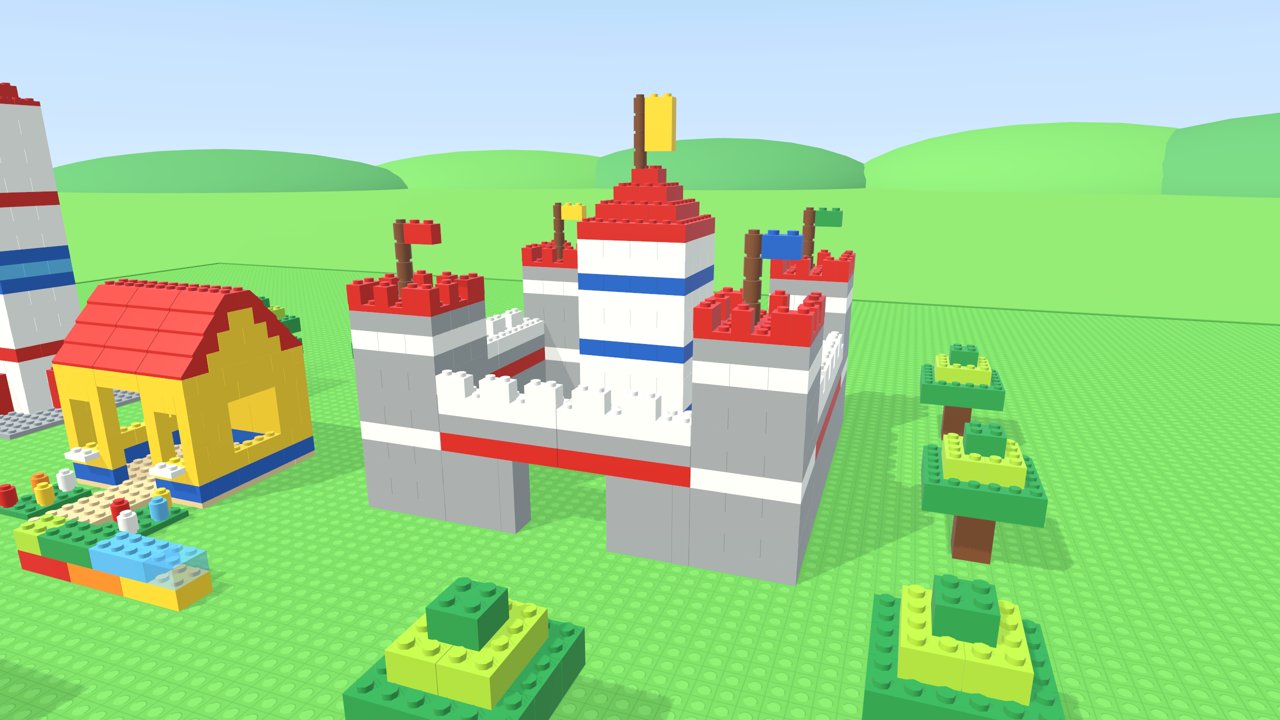
Grab bricks to move them, turn them, copy one you point at, paint it a new colour or undo a mistake. Point at the top of a tall tower and the next brick stacks right on it, so building high is easy.
Your world is saved
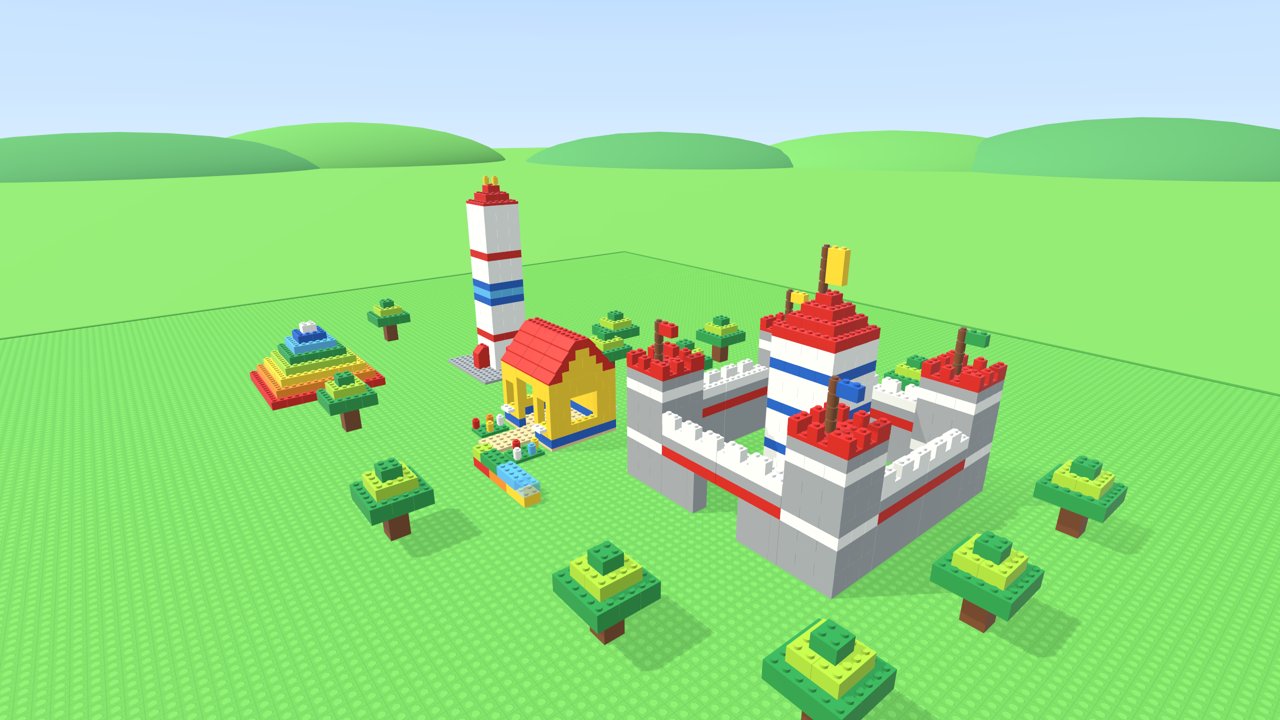
Start next to a little brick house on a huge open baseplate. Everything you build is saved automatically on your headset, and music plays while you build, or turn it off in the menu.